Home office setup guide
Home Office Setup Checklist: What to Buy First
Do not start with gadgets. Start with fit: chair height, foot support, keyboard/mouse position, monitor distance, and desk depth. Then buy the gear that fixes the biggest problem in your actual setup.
Disclosure: Some product links may be affiliate links. As an Amazon Associate, Workspace Buyer may earn from qualifying purchases. Product details, pricing, and availability change — confirm on the retailer page before buying.
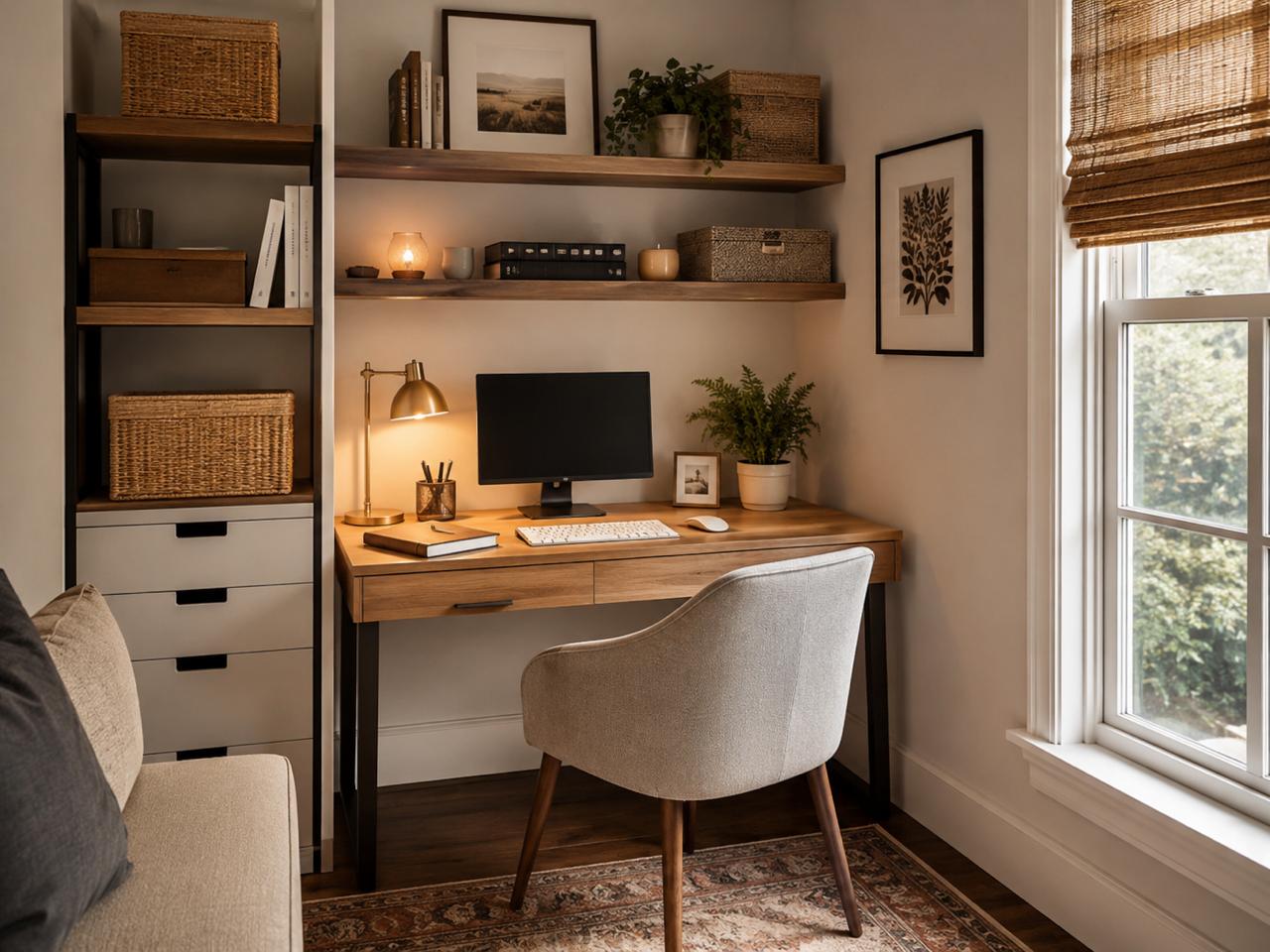
- Chair fit or footrest
- External keyboard/mouse plus laptop stand or monitor
- Desk/work surface that supports proper monitor distance
- Lighting/glare fix
- Monitor arm and cable management
Starter products to compare
Branch Ergonomic Chair
Branch lists 8 adjustment points, 17–21 in seat height, 18–22 in seat depth, 275-lb capacity, 7-year warranty, and Greenguard Gold/BIFMA notes. It is a strong starter ergonomic pick because it fixes more variables than fixed-arm chairs.
IKEA TROTTEN Sit/Stand Desk
IKEA lists a 63×31.5 in surface, crank height adjustment, roughly 27.5–47.25 in adjustment in product details, 110-lb max load, and 10-year warranty. It is a lower-cost work surface if manual adjustment is acceptable.
Rain Design mStand
Rain Design lists a 10 W x 5.9 H x 7.5 D aluminum stand weighing 3 lb. It is useful only when paired with an external keyboard and mouse for longer sessions.
BenQ ScreenBar
BenQ lists an asymmetrical optical design, adjustable head up to 20°, center illuminance over 1000 lux at 50 cm, and fit for flat monitors 0.4–1.2 in thick. Buy lighting after core posture issues are fixed.
Setup priority table
| Priority | Problem it solves | What to check | Product example |
|---|---|---|---|
| Chair / foot support | Feet unsupported, shoulders raised, low-back discomfort | Seat height/depth, lumbar support, arm adjustability | Branch Ergonomic Chair or IKEA MARKUS |
| Keyboard/mouse + laptop stand | Laptop hunching and wrist/shoulder strain | Wrists straight, hands at/slightly below elbows | Rain Design mStand plus external keyboard/mouse |
| Desk/work surface | Monitor too close, no leg clearance, unstable surface | Depth for 20–40 in monitor distance; leg clearance | IKEA TROTTEN or standing desk from our desk guide |
| Monitor arm | Screen too low/high or desk too shallow | Monitor weight/size and VESA mount compatibility | Ergotron LX 45-241 after confirming capacity |
| Lighting/cables | Glare, dim video calls, clutter | Window angle, glare, cable snag risk | BenQ ScreenBar; IKEA FÖRSÄSONG tray |
10-minute ergonomic adjustment sequence
- Set chair height so feet are supported and thighs are roughly parallel. Use a footrest if needed.
- Place keyboard and mouse in front of you with elbows close and wrists straight.
- Put the screen directly in front, roughly 20–40 in away, with the top at or slightly below eye level.
- Move frequently used items into easy reach so you are not twisting all day.
- Reduce glare by moving the monitor perpendicular to windows when possible.
- Stand, walk, or stretch periodically instead of trying to hold one perfect posture.
Sources we checked
- OSHA Computer Workstations eTool — Monitors
- OSHA Computer Workstations eTool — Chairs
- OSHA Computer Workstations eTool — Desks
- Mayo Clinic office ergonomics guide
- CDC/NIOSH ergonomics overview
- Cornell Ergonomics Web — sitting and chair design
- Branch Ergonomic Chair, IKEA TROTTEN, Rain Design mStand, and BenQ ScreenBar
FAQ
What should I buy first for a home office?
Start with fit: chair/foot support, keyboard and mouse position, and monitor height. Buy accessories only after the core posture setup works.
Do I need a standing desk?
No. OSHA, Mayo Clinic, and Cornell-style ergonomics guidance point toward fit, neutral posture, and movement variation. A standing desk helps some people vary posture but is not mandatory.
How far should my monitor be?
OSHA and Mayo guidance commonly place monitors about 20–40 inches away, directly in front, with the top at or slightly below eye level.
Can I work from a laptop all day?
For longer desk sessions, Mayo Clinic recommends raising the laptop and using an external keyboard and mouse so the screen and hands can both be positioned well.
What should I skip at first?
Skip decorative desk accessories, premium lights, and cable channels until your chair, keyboard/mouse, monitor height, and desk depth are working.
Bottom line
Buy the item that fixes the biggest fit problem first. For most people, that means chair/foot support and laptop-screen separation before decorative accessories or premium cable gear.